You know the feeling. Two hours on one track. Vocals, arrangement, mood — all locked in. Except that one line in the chorus still bugs you. You change a single word, hit regenerate, and the whole song is gone. The melody you liked, the vibe you’d finally landed on — wiped.
Anyone who’s made AI music knows this trap.
Suno v6 says it can now change just that one line and leave everything else untouched.
Sounds like marketing. But this time Warner Music Group, BMG, and Believe are standing behind it — v6 is the first model family Suno built together with these industry partners. So it’s worth a serious look: what’s a real upgrade, and what’s still just “the company says.”
Three Models — Don’t Just Grab the Most Expensive One
v6 isn’t one model. It’s three.
| Model | Who it’s for | What it does |
|---|---|---|
| v6 | Pro / Premier paid users | Flagship. Stable and controllable, for people who know what they want |
| v6-wild | Paid users | More randomness, built for exploration, good at happy accidents |
| v6-mini | Everyone (including free) | Faster, lighter, and per the company, better than any other free music model out there |
My take is blunt: most people should just start with v6-mini. If you only need background music for a video, or you’re testing the waters, there’s no reason to pay on day one.
Go to v6 when you need reliable finished output, or when you’re delivering to a client. v6-wild is for the “I don’t know what I want, let’s see what it gives me” crowd — great for breaking a creative block, shaky for a real deliverable.
One thing to be clear about: “better than any other free music model” is the company’s claim, and there’s no third-party benchmark yet. Treat it as a claim, not a conclusion.
Image, Video, Voice Memo to Music — How Far Does It Actually Go
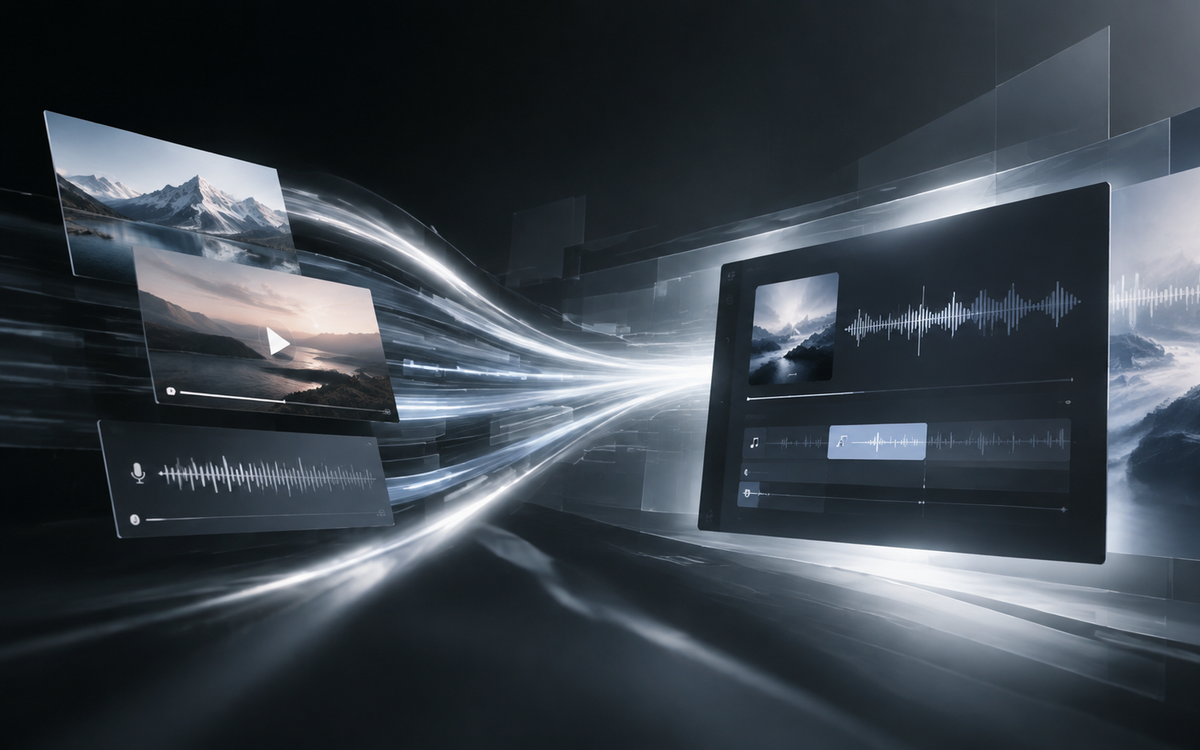
This is v6’s other big pitch: no more typing prompts only. You can upload an image, a video, or a voice memo directly.
In practice it looks roughly like this:
- A mood image → generate a score that matches its tone
- A video clip → follow the emotion of the footage
- A voice memo → the melody you hummed, the description you spoke, turned into an arrangement
Sounds great, but let me pour some cold water: this is “an entry point for inspiration,” not “one-click finished product.”
You upload an image, and what you get is “a piece of music that fits this image’s mood” — not “the song in your head.” You’ll still tweak, revise, and redo.
So who actually saves time? People who already have footage and just lack a score — short-video creators, podcasters, teams building product demos. You’ve got the visuals; what’s missing is that layer of sound. Here, multimodal input really is faster than typing a description.
If your goal is “make a complete song from scratch,” this feature won’t help much. You’re still relying on prompts and editing.
Precise Local Editing — The Capability Worth Watching Most
If there’s one thing in v6 worth your time to verify, it’s this.
Per the official description, local editing includes:
- Change a section with natural language, like “make the chorus a gospel choir,” while everything else stays the same
- Edit a single line, even a single lyric, with the rest fully preserved
- Mix elements across tracks: pull vocals from track A + drums from track B, add new lyrics, specify an ’80s synthwave style
- Sample a riff at a specific timestamp, isolate instruments like guitar, and rebuild a new beat around it
See what’s happening? This is the dividing line between “gacha pulls” and “editing.”
AI music used to be gacha at its core: unhappy? Re-roll. Keep rolling until you like it. You couldn’t fix anything, only replace it. If v6 really does what the description says, the workflow changes — you can cut music the way you cut video.
But one warning: how “real” this editing is, you have to verify yourself. Demo videos are cherry-picked. In real use, does changing the chorus drag the vocals along with it? Does swapping one word throw off the rhythmic alignment? Only you testing it will tell.
Don’t just watch the launch event. Open the app, make three edits, and you’ll know if it’s worth it.
Copyright and Commercial Use: Better, But Not as Free as You Think
This part gets ignored a lot, but it might matter most to you.
The good news: v6 is the first model family co-developed with Warner Music Group, BMG, and Believe, trained from scratch on partners’ licensed data plus user data. The company also says it will explore artist-opt-in AI remixes and create new revenue opportunities for rights holders.
What does that mean? Industry collaboration is paving the road, and the commercial path is getting clearer. The biggest landmine in AI music used to be copyright. Now at least the majors are willing to sit at the table.
But the red line hasn’t moved: the platform still bans prompting to directly imitate a specific famous artist or song. Want “give me something in Jay Chou’s style”? Still a no.
And — industry partnership doesn’t mean every song you generate is free to commercialize. Whether and how you can use it commercially depends on your subscription terms. Don’t assume “if I can generate it, I can sell it.”
Who Should Jump In Now, Who Can Wait
Jump in now:
- Short-video / podcast creators who have footage but no score
- Independent musicians who need fast demos to test a direction
- Creators who want to try multimodal input and new workflows
Can wait:
- Anyone with hard quality standards, releasing officially
- Those relying on older models with a workflow that already runs smoothly — older models are being phased out, and migration takes time, so don’t rush the switch
Free users: you’re not excluded. v6-mini is for you, and the company says it beats any current free music model. But flagship capability still costs money.
One Last Thing
v6’s two most solid upgrades are local editing and multimodal input. The first changes your workflow; the second lowers the barrier to entry.
The thing to stay cool about is three words: “the company says.” How much the audio quality improved, how much faster it is, how precise the local editing really is — none of the sources give numbers, and I won’t make them up. Test it yourself.
As for whether it’s worth paying — ask yourself one question first: are you a “gacha” user or an “editing” user? The former can wait. The latter can go now.
Will you use it first for scoring, or for a full song? Drop your “changed one line, regenerated everything” horror stories in the comments.